
Pikka — Screen Color Picker & Eyedropper
Now Live on Chrome Web Store
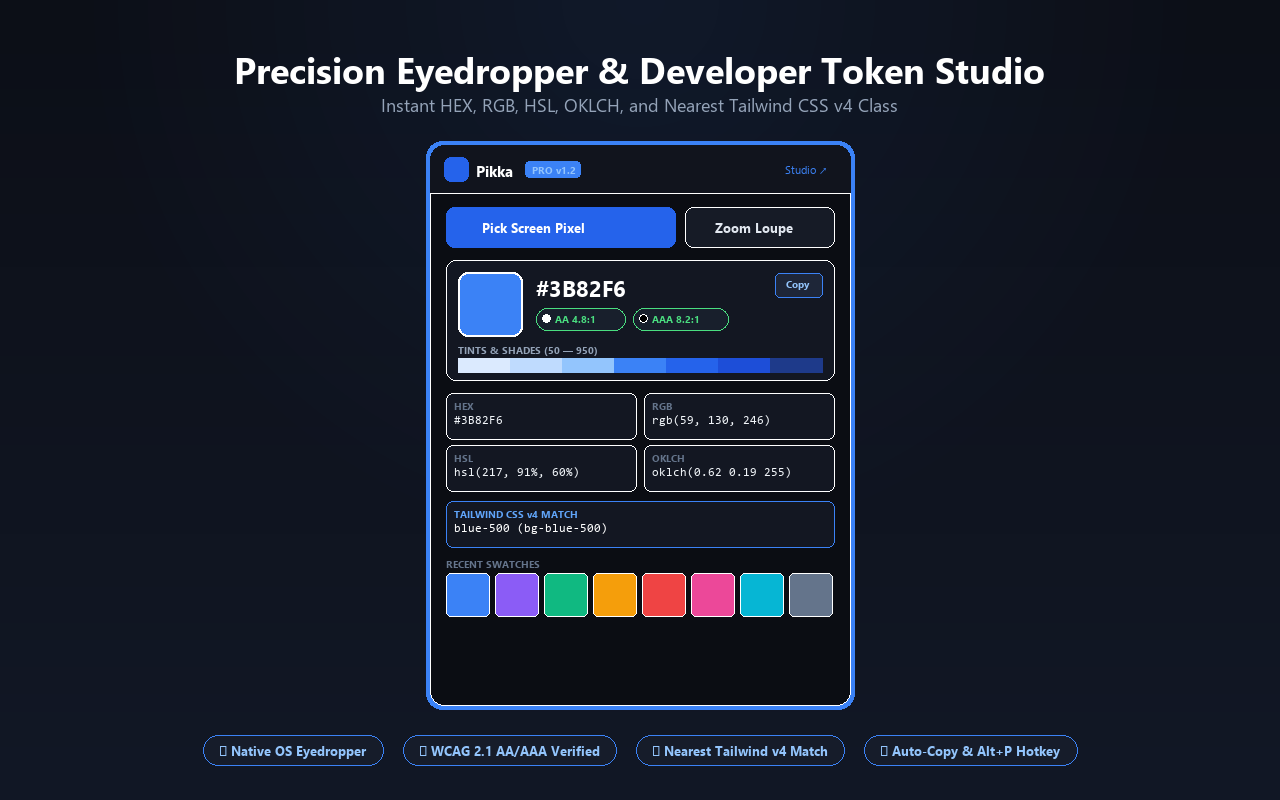
Sample any pixel on your monitor with one click. Inspect colors with the magnifying pipette, retain recent swatch history, and copy 8-digit HEX, RGB, and HSL codes without leaving your active tab.
Experience the v1.2 Pro Feature Suite
From in-page single-pixel microscopic magnification to automated DOM color extraction and modern Tailwind v4 tokens.
Dual Eyedropper & Zoom Loupe
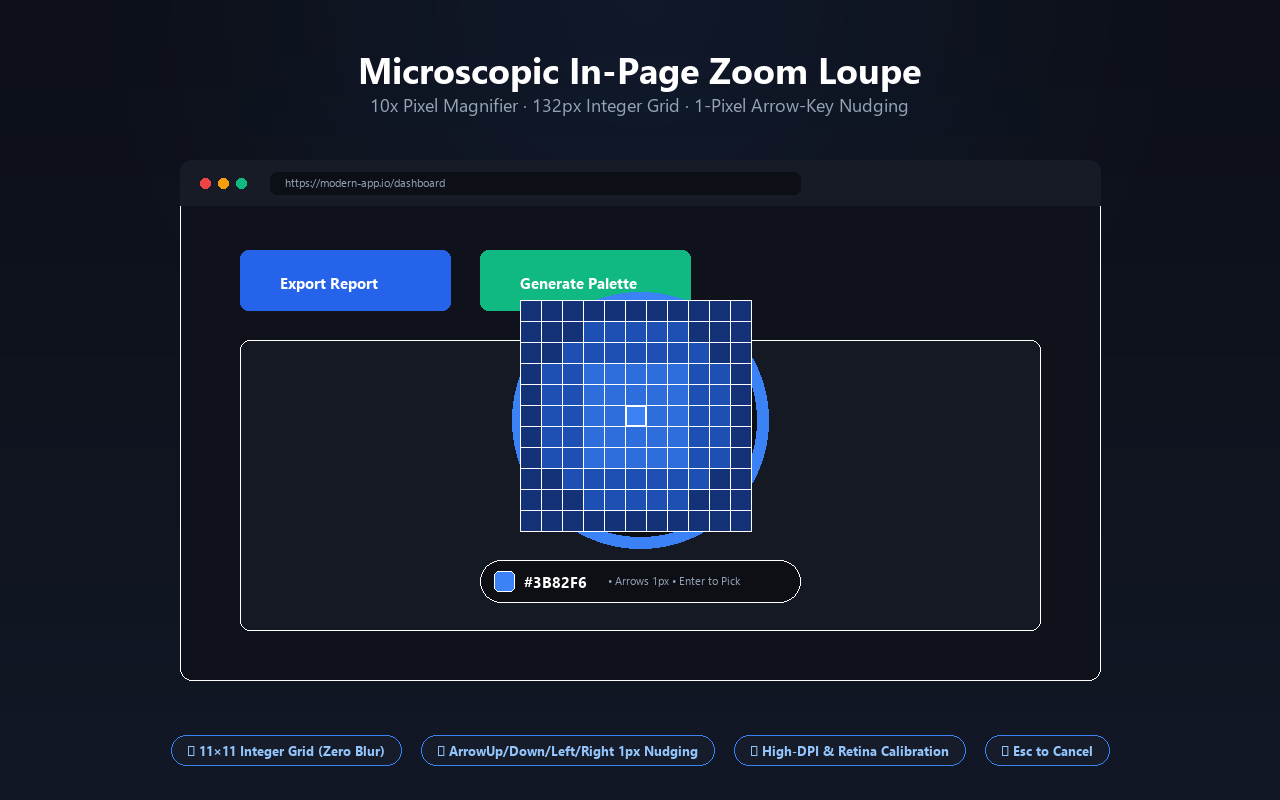
Sample pixels anywhere across monitors and apps via the native EyeDropper API, or activate the in-page magnifying loupe with 10x pixel grid and crosshairs.
WCAG 2.1 AA/AAA Contrast
Get instant real-time accessibility compliance ratings against pure white and black backgrounds right inside the popup before applying colors to production.
Page Color X-Ray Scanner
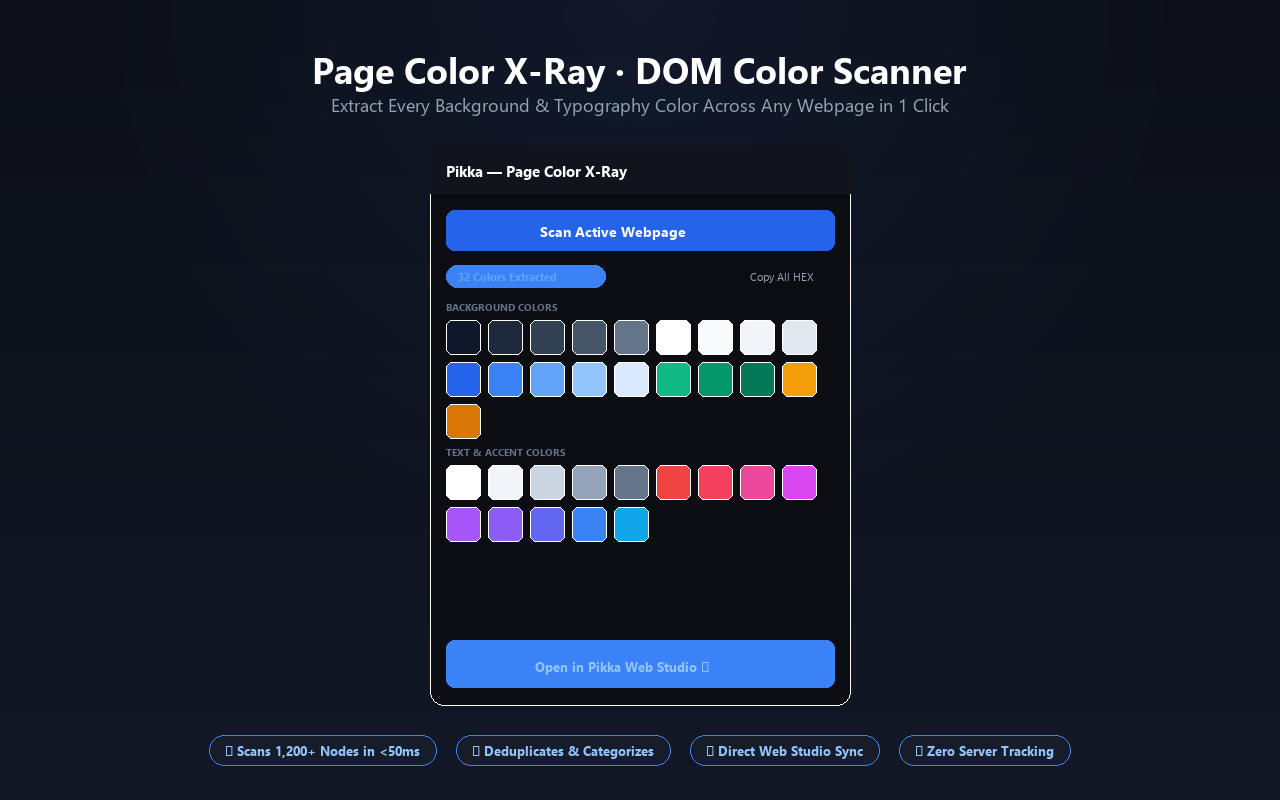
Analyze any webpage DOM with one click. Automatically extract all CSS background colors, font styles, and brand accents, and export directly to Web Studio.
Tailwind & OKLCH Tokens
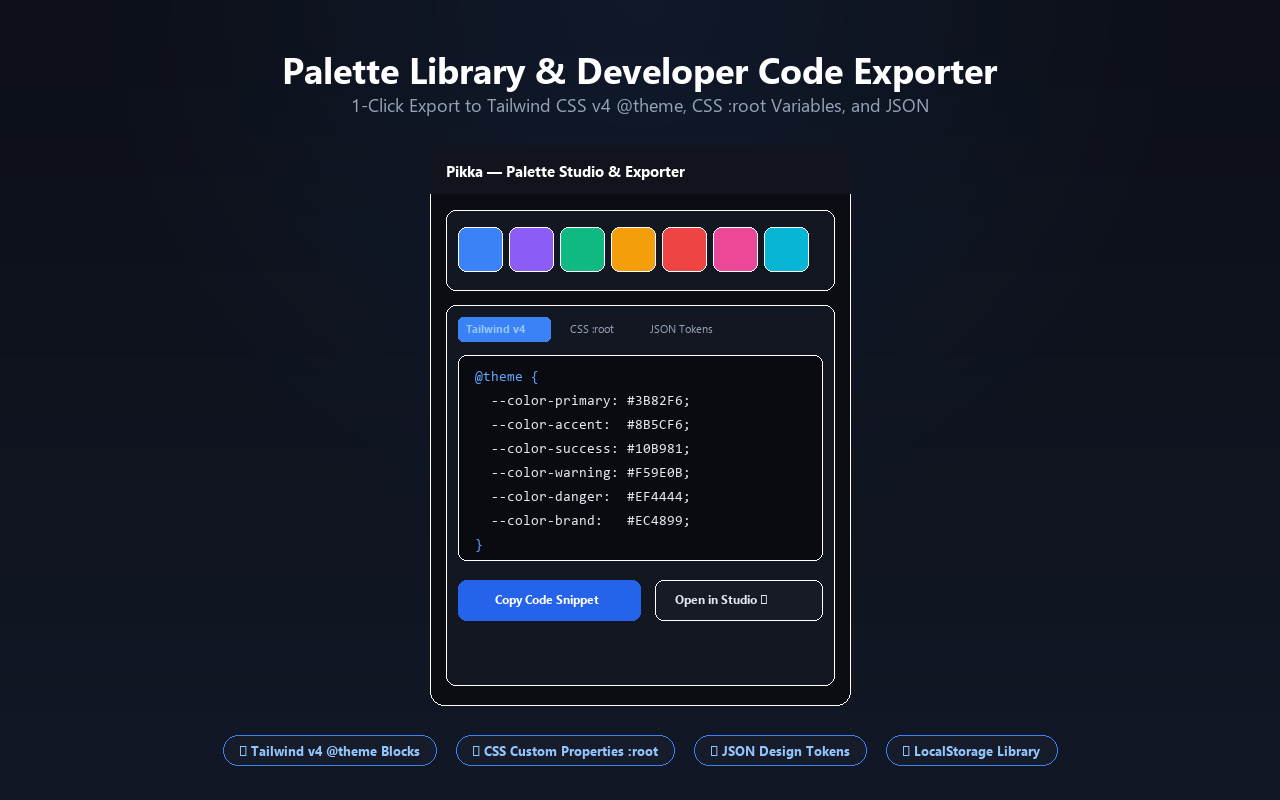
Instantly matches sampled pixels to official Tailwind CSS classes (e.g., emerald-500) and generates modern wide-gamut OKLCH and CSS tokens.
7-Step Tint & Shade Strip
Automatically generates 7 balanced tints and shades from 50 to 950 for any picked swatch. Click any step to copy and use immediately.
Hotkeys & Auto-Copy
Sample with Alt+P hotkey, auto-copy to clipboard instantly upon click, and enjoy 100% offline Manifest V3 with zero tracking or telemetry.
Install from the Chrome Web Store in 5 Seconds
No complex setup required. Click the button below, hit "Add to Chrome", and pin Pikka to your browser toolbar for permanent 1-click access.
Open in Chrome Web Store →